Best Bank Reconciliation Software: How to Choose the Right Tool for Your Business
Bank reconciliation is one of those accounting tasks that seems simple until the number of transactions starts to grow.
A few payments are easy to compare manually. Hundreds or thousands of transactions across multiple bank accounts are not.
Finance teams may spend hours matching bank transactions with invoices, expenses, transfers, refunds, and accounting records. When this process relies heavily on spreadsheets and manual checking, small discrepancies can take surprisingly long to investigate.
Bank reconciliation software is designed to make this process faster, more consistent, and easier to control.
But not every reconciliation tool works the same way. Some are built into accounting platforms, while others specialize in transaction matching and reconciliation automation.
In this guide, we look at what makes the best bank reconciliation software, the features that matter most, and how to choose a solution that fits your business.
What Is Bank Reconciliation Software?
Bank reconciliation software helps businesses compare transactions recorded by their bank with transactions recorded in their accounting or financial system.
The basic goal is simple:
Bank records should agree with your accounting records.
In practice, differences are common.
A customer payment may appear in the bank before it is recorded in the accounting system. Bank fees may not have been entered yet. A transaction may have been recorded twice. Several invoices may have been paid together in a single bank transfer.
Reconciliation software helps identify and resolve these differences.
Depending on the platform, the software may automatically import transactions, suggest matches, flag discrepancies, identify duplicate records, and maintain a history of reconciliation activity.
Instead of checking every transaction manually, the finance team can concentrate on exceptions that actually require attention.
Why Bank Reconciliation Matters
Reconciliation is not simply an administrative accounting task. It is an important financial control.
Regular reconciliation can help a business:
- Detect missing or duplicated transactions
- Identify incorrect transaction amounts
- Discover unexpected bank charges
- Find payments that have not been recorded correctly
- Verify customer payments
- Maintain more accurate cash balances
- Reduce errors before month-end closing
- Improve the reliability of financial reports
- Identify unusual transactions that may require investigation
Consider a business whose accounting system shows $120,000 in available cash while the bank account contains $112,500.
The $7,500 difference could have a perfectly reasonable explanation. It could also represent transactions that were missed, duplicated, incorrectly categorized, or recorded at the wrong amount.
Without reconciliation, the business may continue making financial decisions using inaccurate information.
What Makes Good Bank Reconciliation Software?
The best bank reconciliation software is not necessarily the product with the longest feature list.
A good system should reduce repetitive work while making discrepancies easier to identify and investigate.
Here are the capabilities we consider particularly important.
1. Automatic Bank Transaction Import
Manually downloading bank statements and uploading files creates unnecessary work.
A modern reconciliation system should ideally connect with your bank or financial data source and import transactions automatically.
This reduces data-entry work and can also make reconciliation more frequent. Instead of waiting until the end of the month, businesses may be able to review transactions daily or weekly.
However, bank connectivity varies considerably between countries, banks, and software providers.
Before choosing a platform, confirm that your actual bank accounts are supported.
2. Automatic Transaction Matching
Transaction matching is one of the most valuable features of reconciliation software.
The system compares bank transactions against accounting records and attempts to identify corresponding entries.
Matching may use information such as:
- Transaction amount
- Transaction date
- Reference number
- Invoice number
- Customer or supplier information
- Bank description
- Payment details
Straightforward one-to-one transactions can often be matched automatically.
More sophisticated systems may also handle situations such as one payment covering several invoices or multiple transactions corresponding to a single accounting entry.
The objective should not be to automate everything at any cost. It should be to automate obvious matches while making uncertain transactions easy for a person to review.
3. Exception Management
Automation is useful, but exceptions are where reconciliation software proves its value.
When transactions cannot be matched confidently, the software should make the problem visible.
A useful exception workflow should help users quickly answer questions such as:
What does not match? Why does it not match? What action is required?
For example, the software might flag:
- Amount differences
- Missing transactions
- Possible duplicates
- Transactions outside an expected date range
- Unrecognized payments
- Unusual bank charges
A system that simply reports “unmatched transaction” without providing useful context may still leave the finance team doing most of the investigative work manually.
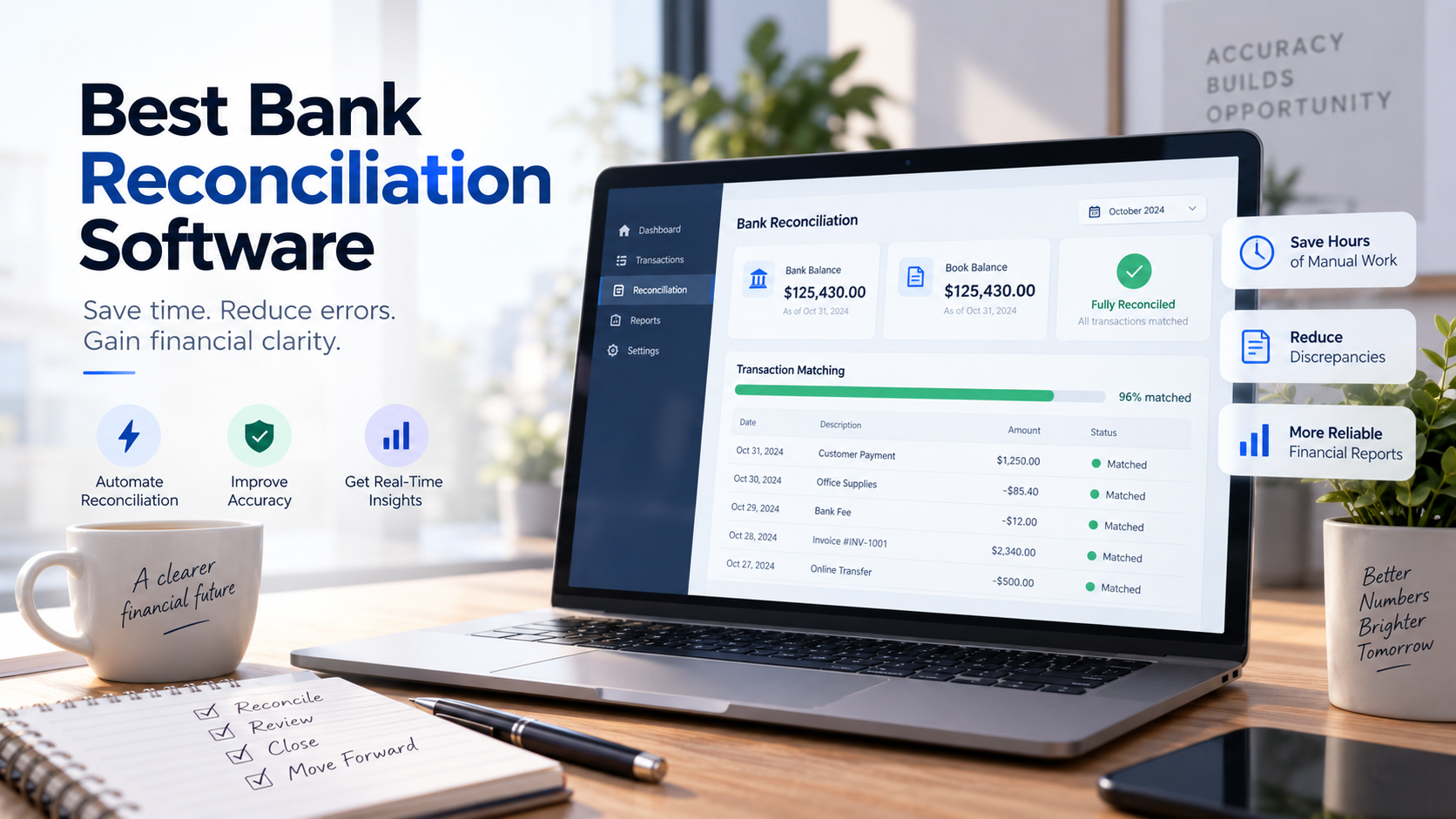
4. Clear Reconciliation Status
A finance team should be able to understand the reconciliation position without opening several spreadsheets.
Ideally, the software should clearly show information such as:
- Total imported transactions
- Matched transactions
- Unmatched transactions
- Transactions requiring review
- Current bank balance
- Accounting balance
- Remaining difference
- Last reconciliation date
This becomes increasingly important when a company operates several bank accounts or when multiple people participate in the reconciliation process.
5. Audit Trail
Financial records should be traceable.
Good reconciliation software should maintain a history showing what happened to transactions and, where appropriate, who performed an action.
An audit trail might include:
- When a transaction was imported
- When it was matched
- Which accounting entry it was matched with
- Manual adjustments
- User actions
- Notes or explanations
- Reconciliation completion dates
This can be useful for internal controls, accounting reviews, and external audits.
6. Accounting System Integration
Reconciliation does not exist in isolation.
The software should work effectively with the rest of your financial workflow.
Depending on your organization, this might include integrations with:
- Accounting software
- ERP systems
- Accounts receivable systems
- Accounts payable systems
- Invoicing platforms
- Payment gateways
- Expense management software
Poor integration can simply move manual work from one part of the process to another.
Before purchasing a solution, map your current workflow and determine exactly where transaction data will come from and where reconciled information needs to go.
Best Bank Reconciliation Software to Consider
There is no single platform that is best for every company. A small business with one bank account has very different requirements from a multinational organization managing dozens of accounts.
The following platforms represent several common approaches to bank reconciliation.
QuickBooks Online
Best for: Small businesses already using QuickBooks
QuickBooks Online includes bank feeds and reconciliation capabilities as part of its broader accounting platform.
Businesses can connect supported bank accounts, download transactions, categorize activity, match transactions against existing accounting records, and reconcile accounts.
Its biggest advantage is convenience.
If your accounting is already managed in QuickBooks, you may not need a separate reconciliation platform.
Strengths
- Integrated with accounting records
- Bank transaction feeds
- Transaction matching
- Familiar workflow for QuickBooks users
- Suitable for many small businesses
Considerations
Organizations with complicated matching rules, large transaction volumes, or sophisticated reconciliation requirements may eventually require a more specialized solution.
Xero
Best for: Small and growing businesses wanting cloud-based reconciliation
Xero has made bank reconciliation an important part of its accounting workflow.
Transactions imported through bank feeds can be compared with accounting records, while matching suggestions help users process routine transactions more quickly.
The interface is designed to make reconciliation approachable even for businesses without large finance departments.
Strengths
- User-friendly reconciliation workflow
- Bank feeds
- Suggested matches
- Accounting and reconciliation in one platform
- Good fit for cloud-first businesses
Considerations
Bank feed availability depends on your country and financial institution, so businesses should verify connectivity before making a decision.
Sage
Best for: Businesses already operating within the Sage ecosystem
Sage offers accounting and financial management products for organizations ranging from smaller companies to more complex businesses.
Bank reconciliation capabilities vary according to the particular Sage product being used.
For companies already using Sage for accounting, using the reconciliation functionality within the same ecosystem can simplify data management and reduce the need for additional integrations.
Strengths
- Established accounting ecosystem
- Suitable for different business sizes
- Integration with broader accounting processes
- Reconciliation within existing financial workflows
Considerations
Because Sage offers multiple products, businesses should evaluate the capabilities of the specific version rather than assuming all Sage platforms provide identical reconciliation features.
NetSuite
Best for: Mid-sized and larger organizations using ERP systems
NetSuite is broader than a standalone reconciliation application. It is a cloud ERP platform with extensive financial management functionality.
For organizations already using NetSuite, reconciliation can form part of a larger financial process involving accounts receivable, accounts payable, general ledger, reporting, and cash management.
Strengths
- Broad financial management capabilities
- Suitable for more complex organizations
- Integration across financial operations
- Designed to scale beyond basic accounting
Considerations
NetSuite may be excessive for a small company that simply wants to reconcile a small number of bank transactions.
Implementation effort and total cost should be considered alongside functionality.
BlackLine
Best for: Enterprises with complex financial close and reconciliation requirements
BlackLine specializes in financial close automation and reconciliation.
Unlike general accounting platforms, its focus includes helping larger finance organizations standardize and automate reconciliation and close processes.
This makes it particularly relevant to companies dealing with large transaction volumes, multiple entities, complicated account structures, or significant internal-control requirements.
Strengths
- Advanced reconciliation capabilities
- Strong financial close functionality
- Automation for complex finance operations
- Designed for enterprise environments
- Extensive control and workflow capabilities
Considerations
The platform is generally more appropriate for organizations with sophisticated finance operations than for small businesses looking for basic bank reconciliation.
AutoBookBank
Best for: Businesses looking to automate bank transaction processing and reconciliation workflows
AutoBookBank takes an automation-focused approach to bank transaction management.
Rather than treating reconciliation as an isolated month-end task, the platform is designed around reducing the manual work involved in processing and organizing bank transactions.
This approach can be particularly useful for businesses where finance teams repeatedly compare banking activity with accounting records or operational documents.
The objective is straightforward: automate repetitive transaction work where possible while keeping exceptions visible for human review.
Key capabilities to look for
When evaluating AutoBookBank for your organization, consider how it supports:
- Bank transaction processing
- Transaction matching
- Reconciliation workflows
- Payment-related automation
- Financial data organization
- Exception handling
- Integration with your existing accounting process
As with any financial automation platform, businesses should evaluate compatibility with their banks, accounting systems, transaction volumes, currencies, and internal approval requirements before implementation.
Bank Reconciliation Software Comparison
| Software | Best For | Automation Level | Accounting Platform | Typical Business Size |
|---|---|---|---|---|
| QuickBooks Online | Existing QuickBooks users | Moderate | Yes | Small |
| Xero | Cloud-based accounting | Moderate | Yes | Small–Medium |
| Sage | Existing Sage users | Moderate | Yes | Small–Large |
| NetSuite | ERP-driven finance teams | High | Yes | Medium–Enterprise |
| BlackLine | Complex reconciliation and close | High | Financial automation | Enterprise |
| AutoBookBank | Bank transaction automation | Automation-focused | Integration dependent | Small–Medium |
The right choice depends less on which product has the most features and more on how closely the product fits your actual financial workflow.
Manual vs. Automated Bank Reconciliation
Manual reconciliation typically involves exporting a bank statement, opening accounting records, comparing transactions, marking matches, and investigating differences.
For a small number of transactions, this may be perfectly reasonable.
The problem appears when transaction volume increases.
Imagine a company processing 3,000 bank transactions every month.
If checking each transaction manually takes only 20 seconds, that represents approximately:
3,000 × 20 seconds = 60,000 seconds
That is more than 16 hours of transaction checking before considering the time required to investigate discrepancies.
Automation changes the workflow.
Instead of asking a person to inspect every transaction, software can identify likely matches first. The finance team then focuses primarily on transactions that cannot be matched confidently.
This distinction is important.
Good reconciliation automation does not eliminate human financial oversight. It directs human attention toward the transactions where judgment is actually useful.
How to Choose the Best Bank Reconciliation Software
Before comparing software vendors, understand your own reconciliation process.
Start with these questions.
How Many Transactions Do You Process?
Transaction volume is one of the biggest factors.
A business processing 100 transactions per month may not need advanced automation.
A company processing 50,000 transactions per month probably does.
Calculate the amount of time your finance team currently spends on reconciliation. This gives you a useful baseline when evaluating the potential return on automation.
How Many Bank Accounts Do You Manage?
Managing one domestic bank account is relatively straightforward.
Managing multiple accounts across different banks, currencies, entities, or countries introduces significantly more complexity.
Make sure the software can support your actual banking structure.
Can It Connect to Your Banks?
Do not assume that a product advertising “bank integration” supports every financial institution.
Ask the vendor specifically about:
- Your banks
- Your country
- Your account types
- Your currencies
- Transaction update frequency
- Historical transaction availability
This should be verified before implementation rather than discovered afterward.
What Happens When a Transaction Cannot Be Matched?
This is one of the most important questions to ask during a software demonstration.
Do not only watch successful automatic matches.
Ask the vendor to demonstrate:
What happens when the software gets it wrong?
Look at how the system handles missing transactions, partial payments, duplicate amounts, bank fees, combined payments, date differences, and ambiguous references.
Real accounting workflows contain exceptions.
Software should make those exceptions easier to resolve.
How Much Control Does Your Team Retain?
Automation should not turn your financial records into a black box.
Users should be able to understand why transactions were matched and review transactions that require judgment.
Depending on your internal controls, you may also need approval workflows, user permissions, audit logs, or restrictions on who can modify reconciled records.
What Is the Total Cost?
Subscription price is only part of the cost.
Consider:
- Implementation
- Integration
- Data migration
- Employee training
- Additional users
- Transaction limits
- Bank connection fees
- Support
- Custom development
- Ongoing administration
A cheaper platform that requires several hours of manual work every week may ultimately cost more than a better automated system.
Who Benefits Most from Automated Bank Reconciliation?
Automation becomes particularly valuable when transaction volume grows faster than the finance team.
It can be useful for:
E-commerce Businesses
Online businesses may process large numbers of payments, refunds, fees, and settlement transactions.
Matching these manually can quickly become difficult.
Accounting Firms
Accounting practices may reconcile accounts for many clients.
Automation can reduce repetitive processing and allow accountants to spend more time reviewing exceptions and providing higher-value services.
Subscription Businesses
Recurring billing creates predictable but high-volume transaction patterns that are often suitable for automated matching.
Multi-Location Businesses
Businesses operating multiple stores, branches, or bank accounts can benefit from centralized reconciliation visibility.
Growing SMEs
Manual processes that worked when a company processed 200 transactions per month may become inefficient at 2,000 or 20,000 transactions.
Reconciliation automation can help financial operations scale without increasing manual workload at the same rate.
Common Mistakes When Choosing Reconciliation Software
One common mistake is choosing software based purely on the number of advertised features.
More features do not necessarily produce a better workflow.
Another mistake is evaluating only perfect transactions during a demonstration. Routine matches are the easy part. The real test is how quickly your team can understand and resolve exceptions.
Businesses should also avoid automating unreliable processes without first understanding them.
If accounting records contain inconsistent references, duplicate entries, or poor transaction descriptions, software may automate some work but cannot magically correct every underlying data-quality problem.
A better approach is to improve the process and automate it together.
Is Bank Reconciliation Software Worth It?
For businesses with low transaction volumes, manual reconciliation may still be practical.
As transaction volume grows, however, the economics begin to change.
Suppose a finance employee spends 20 hours every month reconciling bank transactions.
If automation reduces that workload to five hours, the business recovers 15 hours every month.
That time can instead be used for:
- Cash-flow analysis
- Accounts receivable management
- Financial planning
- Expense review
- Management reporting
- Investigating unusual transactions
The value of automation is therefore not simply “doing reconciliation faster.”
It is reducing repetitive work so finance professionals can spend more time understanding the business.
Frequently Asked Questions
What is the best bank reconciliation software?
There is no single best solution for every business.
QuickBooks Online and Xero can be practical choices for smaller businesses already using those accounting ecosystems. NetSuite may be more appropriate for organizations requiring broader ERP functionality, while BlackLine is designed for sophisticated enterprise reconciliation and financial-close processes.
Businesses focused specifically on automating bank transaction workflows may also consider specialized platforms such as AutoBookBank.
The best choice depends on transaction volume, bank connectivity, accounting integrations, automation requirements, and budget.
Can bank reconciliation be fully automated?
Many routine transactions can be automatically matched, but completely removing human review is not always desirable.
Exceptions such as unusual payments, missing references, amount differences, duplicates, or unexpected transactions may still require investigation.
A practical goal is often high automation with human exception review, rather than attempting to eliminate human oversight entirely.
How often should bank reconciliation be performed?
The appropriate frequency depends on transaction volume and financial controls.
Some small businesses reconcile monthly, while businesses processing large transaction volumes may benefit from weekly or even daily reconciliation.
More frequent reconciliation can make discrepancies easier to investigate because problems are identified closer to when they occurred.
Can reconciliation software detect fraud?
Reconciliation can help identify unusual, duplicate, missing, or unauthorized-looking transactions, making it an important financial control.
However, reconciliation software should not automatically be considered a complete fraud-detection system unless the product specifically provides those capabilities.
Fraud prevention typically requires multiple controls, including permissions, approval procedures, transaction monitoring, and account security.
What is automatic transaction matching?
Automatic transaction matching uses information such as amount, date, reference numbers, and transaction descriptions to compare bank activity with accounting records.
When the software finds a sufficiently strong match, it can suggest or automatically reconcile the transaction depending on the configured workflow.
Final Thoughts
The best bank reconciliation software should make financial operations simpler, not more complicated.
For small businesses, the reconciliation functionality already available inside platforms such as QuickBooks Online or Xero may be sufficient.
Larger organizations may need more sophisticated financial management or reconciliation platforms such as NetSuite or BlackLine.
Businesses dealing with repetitive bank transaction processing may benefit from an automation-focused solution such as AutoBookBank.
Regardless of the platform, focus on the outcome:
Fewer repetitive tasks, faster identification of discrepancies, better visibility into cash, and more reliable financial records.
Before choosing a solution, test it with real examples from your business—including difficult transactions that do not match perfectly.
That will tell you far more than a feature checklist ever will.